Order Fulfillment
Fulfil every order from the right location
Manage orders across connected sales channels, route eligible online orders across warehouses and outlets, offer store pickup, and use the courier workflow that fits each delivery.
Try EasyStore Ngobrol dengan Kami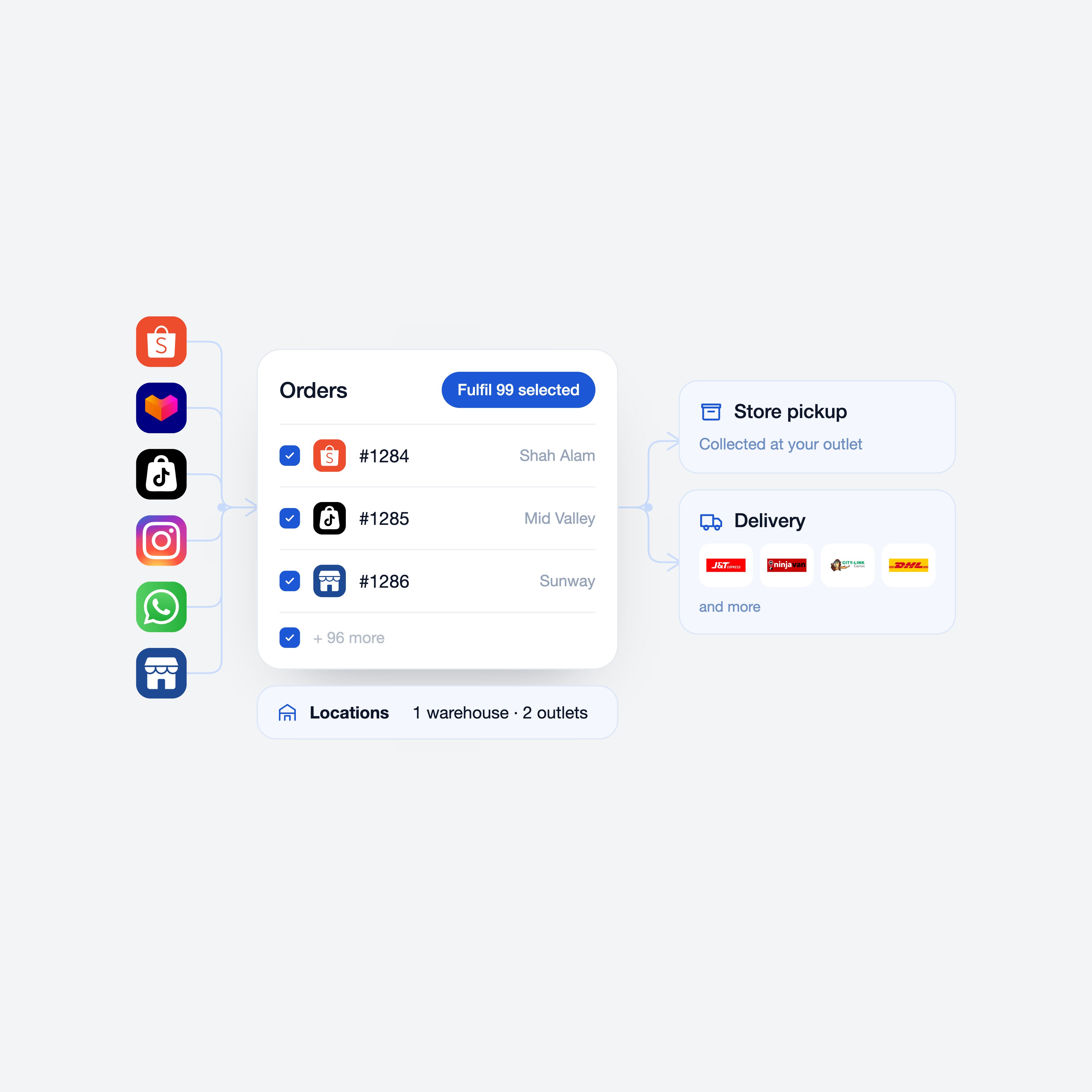
Keep every order moving as your channels and locations grow
Without connected fulfillment
- Teams check stock and decide where to fulfil each order manually
- Outlet inventory sits unused while another location runs short
- Pickup, delivery, and courier steps live in separate workflows
- Split shipments and status updates are difficult to coordinate
With EasyStore Unified Fulfillment
- Manage orders from connected sales channels in one backend
- Route eligible online orders to locations with sufficient stock
- Offer delivery, store pickup, and ship-from-store workflows
- Process fulfilments, airway bills, tracking, and updates with cleaner handoffs
How EasyStore Unified Fulfillment helps
-
Route online orders across the right locations
For eligible online-store fulfilment locations, EasyStore routes online orders based on stock and your location priority.
- Multi-location inventory and fulfilment
- Shipping zones and ranked location priority
- Change, split, and merge fulfilments
-
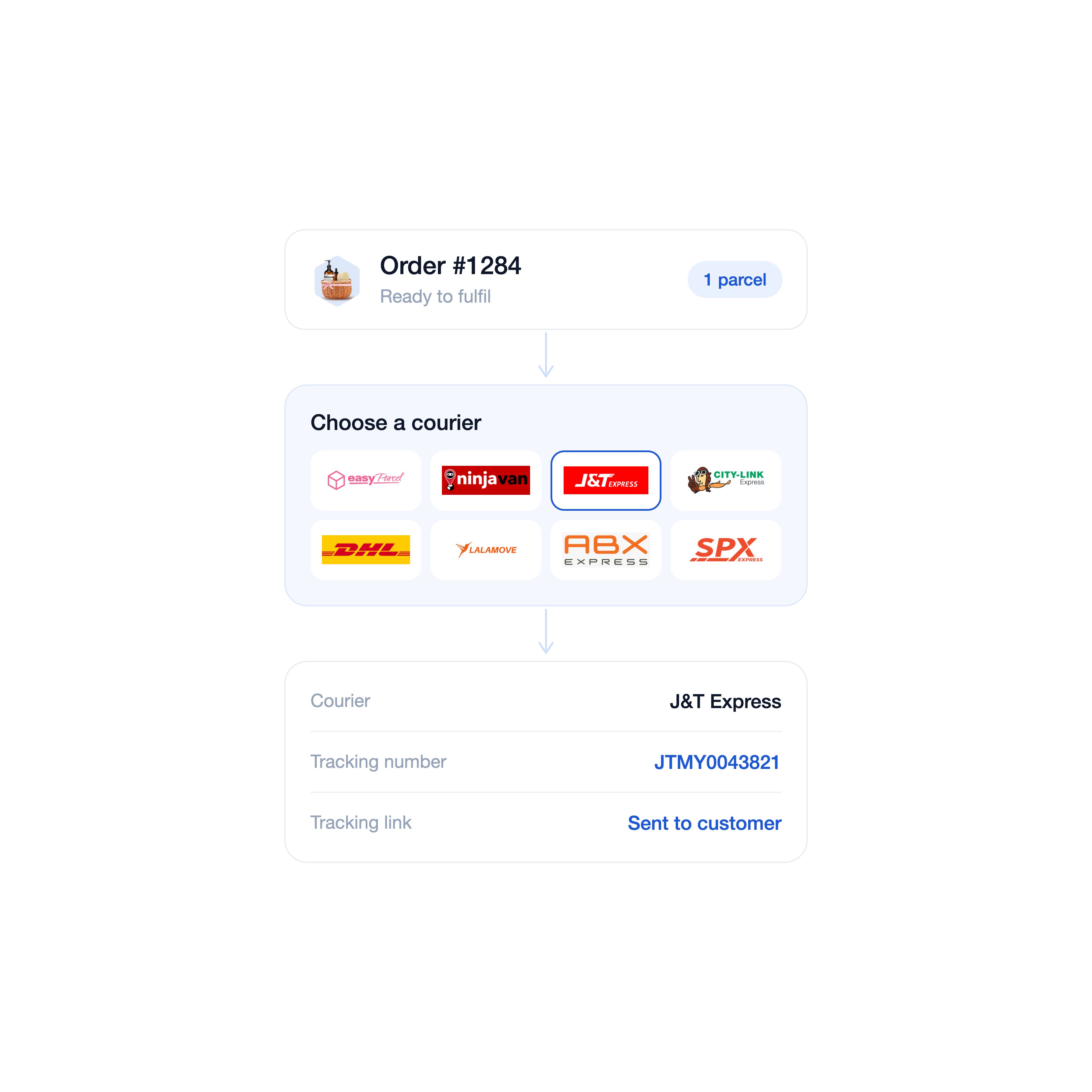
Flexibly choose the courier workflow that fits your operation
Use an integrated shipping service to fulfil orders and auto-send tracking details, or fulfil manually with your chosen courier.
- Integrated and manual courier workflows
- Order fulfilment through shipping plugins
- Courier, tracking number, and tracking URL records
-
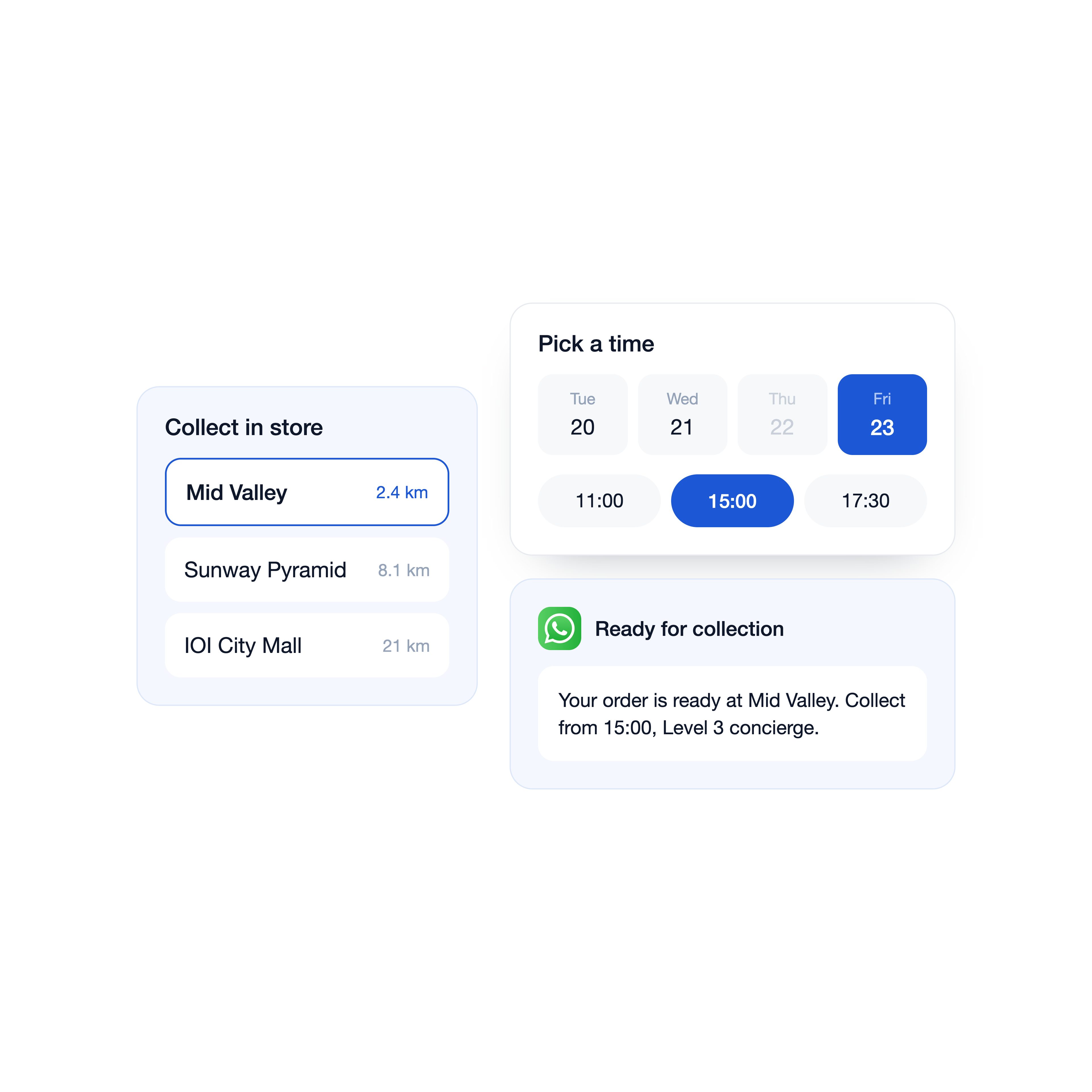
Let customers buy online and collect in store
Offer in-store pickup as a fulfilment option, with the pickup date, time, instructions, and preparation visible.
- Multiple pickup locations
- Pickup date, time, cutoff, and unavailable dates
- Pickup notifications and location instructions
Ways to fulfil orders wherever customers shop
-
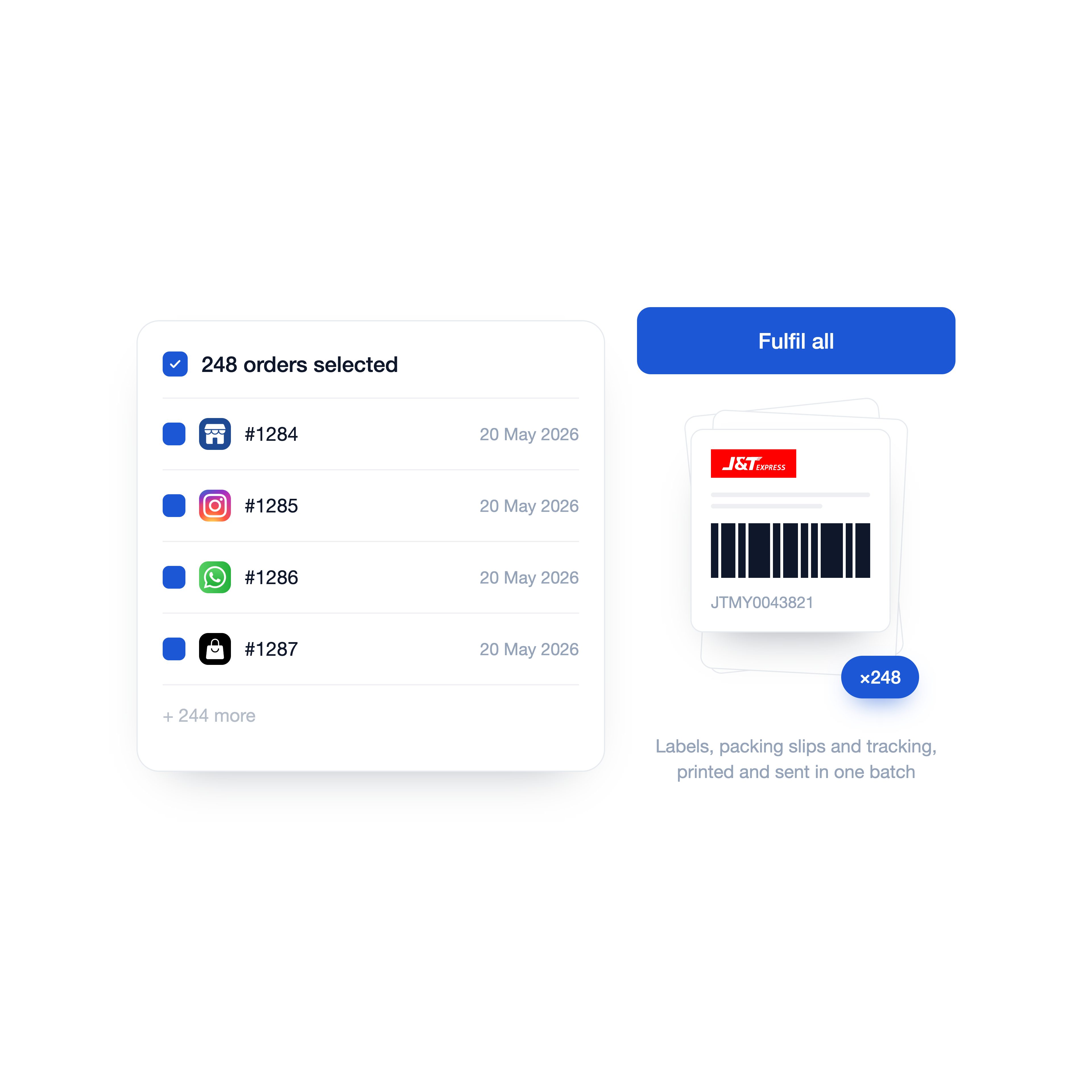 Campaign order volume
Process order and shipping documents in batches
Use bulk fulfilment processing and print shipping documents in batches, helping the team move through campaign volume with fewer repetitive steps.
-
Buy online, pick up in store
Let customers collect items from outlet or pop-up
Offer smaller pickup locations at checkout and set each location’s hours, pickup date, time, cutoff rules, unavailable dates, and collection instructions.
-
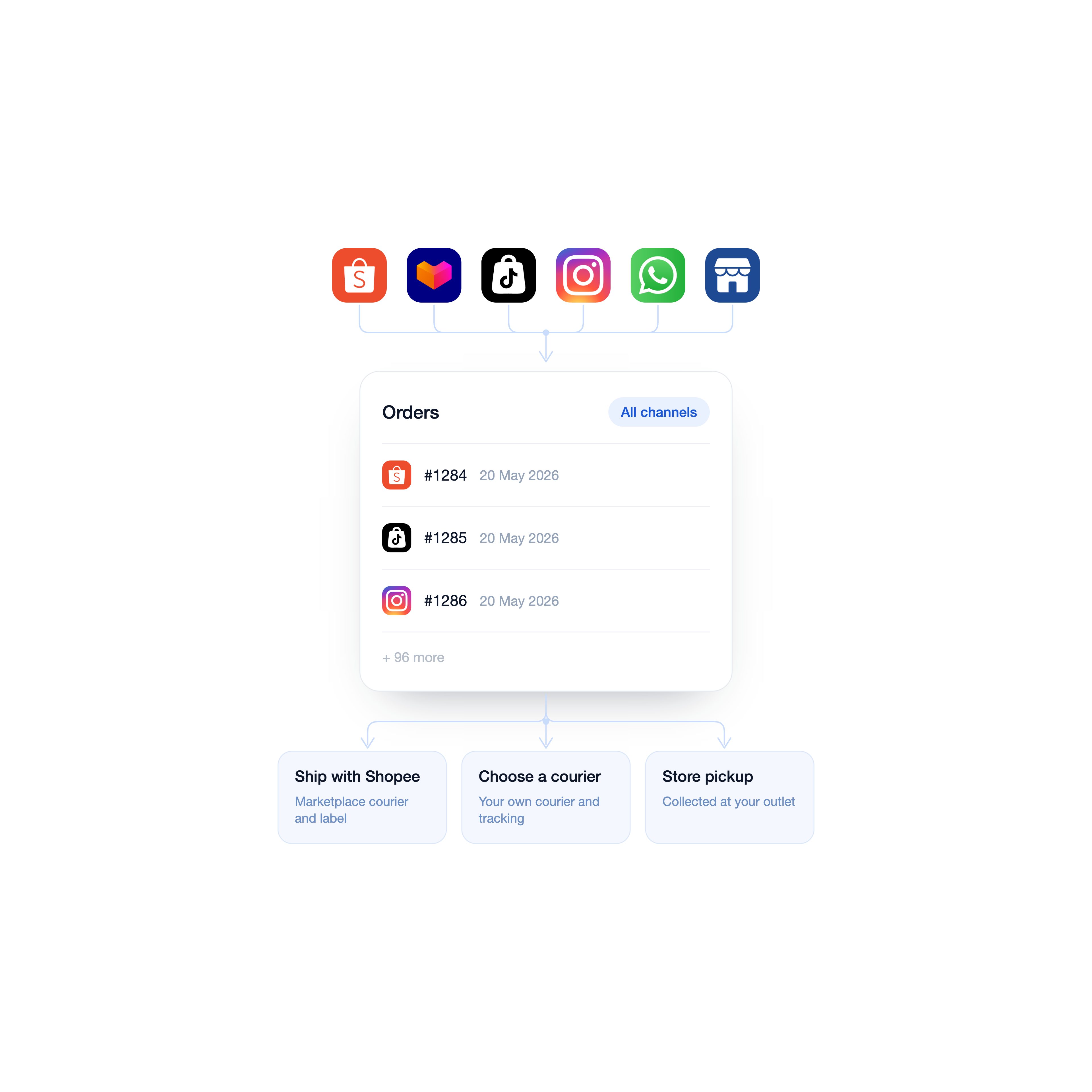 Marketplace and channel orders
Manage connected channel orders from one backend
Bring connected marketplace, social, and online-store orders into EasyStore. Use each channel’s supported fulfilment flow while keeping the operating team in one order workspace.
-
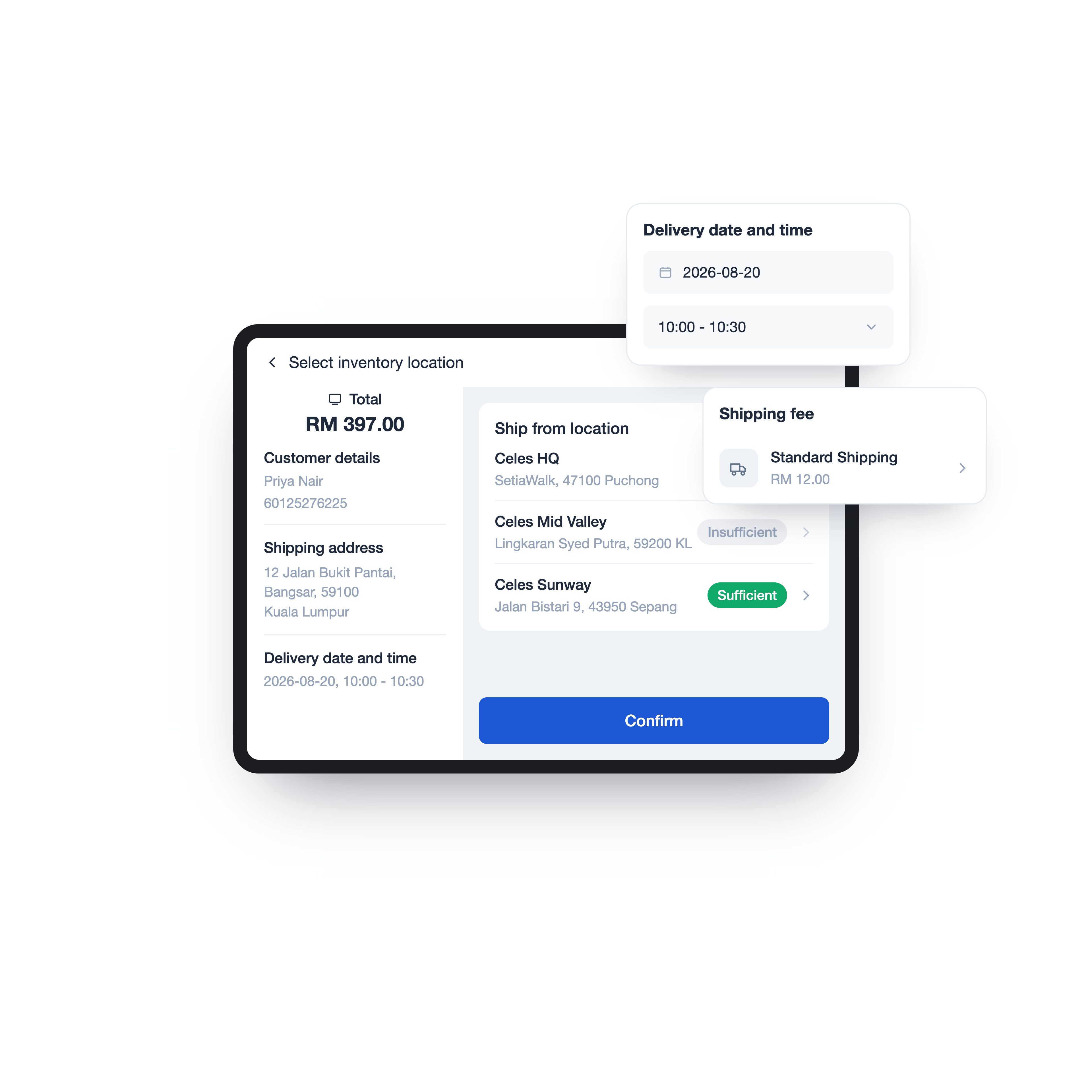 Buy in store, deliver elsewhere
Schedule shipping for a retail purchase
At POS, add the customer and delivery address, choose a ship-from location with sufficient stock, then use an available shipping method or a custom rate. This is useful for bulky items, gifts, or stock held elsewhere.
Frequently asked questions
-
Can I fulfil one online order from more than one location?
Yes. With Multi-Shipping Origin, EasyStore first checks whether one eligible location can fulfil the whole order. If not, we allocate the required items across locations according to your ranked location priority.
-
Will my customer pay more than one shipping fee when an order is split?
No. Your customer is charged one shipping fee based on their shipping zone, even when the order needs more than one fulfilment location.
-
Can I change the fulfilment location after an order is placed?
Yes. You can change the assigned location and choose whether stock should be transferred between the original and new locations. The available action depends on the order and inventory status.
-
Can I use outlet stock to fulfil online orders?
Yes. Track inventory independently for the outlet, enable it to fulfil online orders, and include it in the relevant shipping zone and location priority.
-
Can customers buy online and pick up at an outlet?
Yes. You can enable pickup locations and set their availability, pickup date and time, fees, and instructions.
-
Can the pickup outlet be different from the location supplying the stock?
Yes. The customer-facing pickup location and the location used to fulfil and deduct stock can be different, as long as your team can prepare the order for collection there.
-
Can someone else collect a purchased order for the customer?
Yes. The customer can provide the authorised person’s details so your team can verify the right receiver at collection.
-
Which courier services can I use?
EasyStore supports manual fulfilment and integrations with shipping services such as EasyParcel, Ninja Van, J&T, Lalamove, DHL, Pos Malaysia, and Delyva. Availability depends on your market, plan, and connected shipping account.
-
Can I book delivery and print an AWB from EasyStore?
Yes, when you fulfil through a supported marketplace or connected shipping app.
-
Can I partially fulfil an order?
Yes. You can choose the products and quantities to fulfil, then complete the remaining items in a later fulfilment.
-
Does Multi-Shipping Origin apply to POS and marketplace orders?
No. Multi-Shipping Origin supports eligible online sales channels and excludes POS and marketplaces. You can still manage those connected orders in EasyStore using the respective channel and fulfilment workflows.
-
What happens to location inventory when an order is automatically cancelled?
The items are restocked to their respective fulfilment locations based on the order’s allocation.
-
Are all fulfilment features available on every EasyStore plan?
Fulfilment features, location limits, channel connections, and supported shipping services vary by plan and setup. Check our latest plan comparison or chat with our team to confirm the right coverage for your operation.