Broadcast and Engagement
Reach customers when it matters most
Build targeted customer segments, send one-time broadcasts through familiar channels, and automate thoughtful follow-ups, from first sign-up to the moments that bring customers back.
Try EasyStore 聯絡我們Stay relevant without sending every message manually
Without connected engagement tools
- Customer lists are prepared again for every campaign
- The same promotion is sent to customers with different needs
- Birthdays, expiring rewards, and follow-ups are easy to miss
- Message activity is managed across separate workflows
With EasyStore Broadcast & Engagement
- Build reusable customer segments for more focused campaigns
- Send one-time broadcasts to selected recipients
- Automate messages around customer, purchase, and loyalty activities
- Review broadcast status and message history in EasyStore
How EasyStore Broadcast & Engagement helps
-
Build the audience segment your message is for
Use customer behaviour, spending, attributes, and multiple conditions to create a more relevant audience for each campaign.
- Customer segmentation
- Behaviour, spending, and customer attributes
- Multi-condition segments
-
Send relevant messages from one place
Select recipients, prepare your message, and broadcast through connected channels available to each customer.
- Broadcast via WhatsApp, Messenger, and Email
- Personalised message fields
- Message preview, status, and history
-
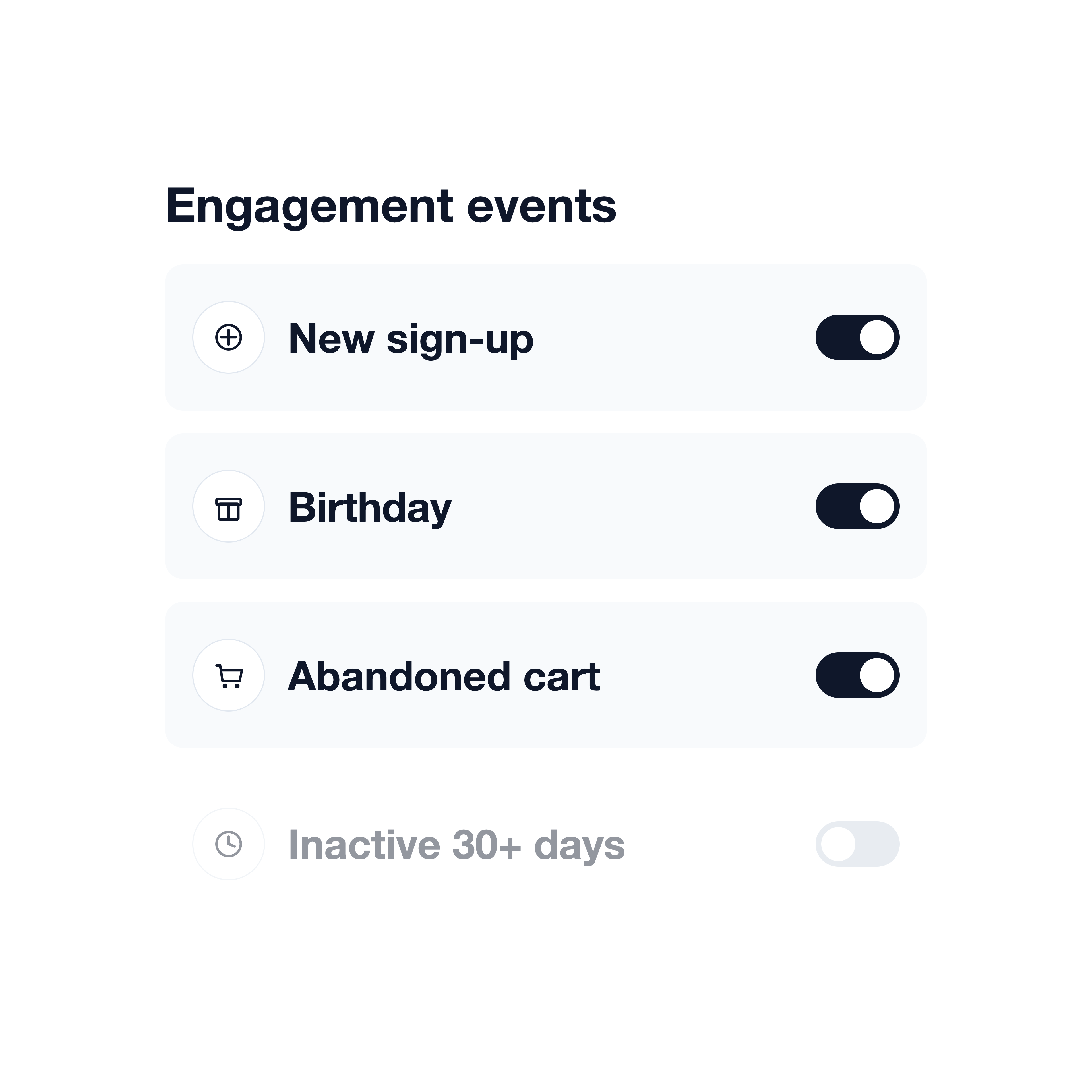
Automate follow-ups for moments that matter
Set up automations for events such as a new sign-up, birthday, first purchase, order follow-up, or abandoned cart, so the right message reaches customers at the right time.
- Event-based engagement messages
- Editable email and messaging content
- Control which engagement events are on or off
Messages you can plan around customer moments
-
Product launch
Introduce what is new to relevant audiences
Select the customer group most likely to care, then send a focused launch announcement through an available channel.
-
Welcome
Help new customers feel recognised from the start
Automatically welcome new sign-ups with a message and, when configured, eligible points or a voucher.
-
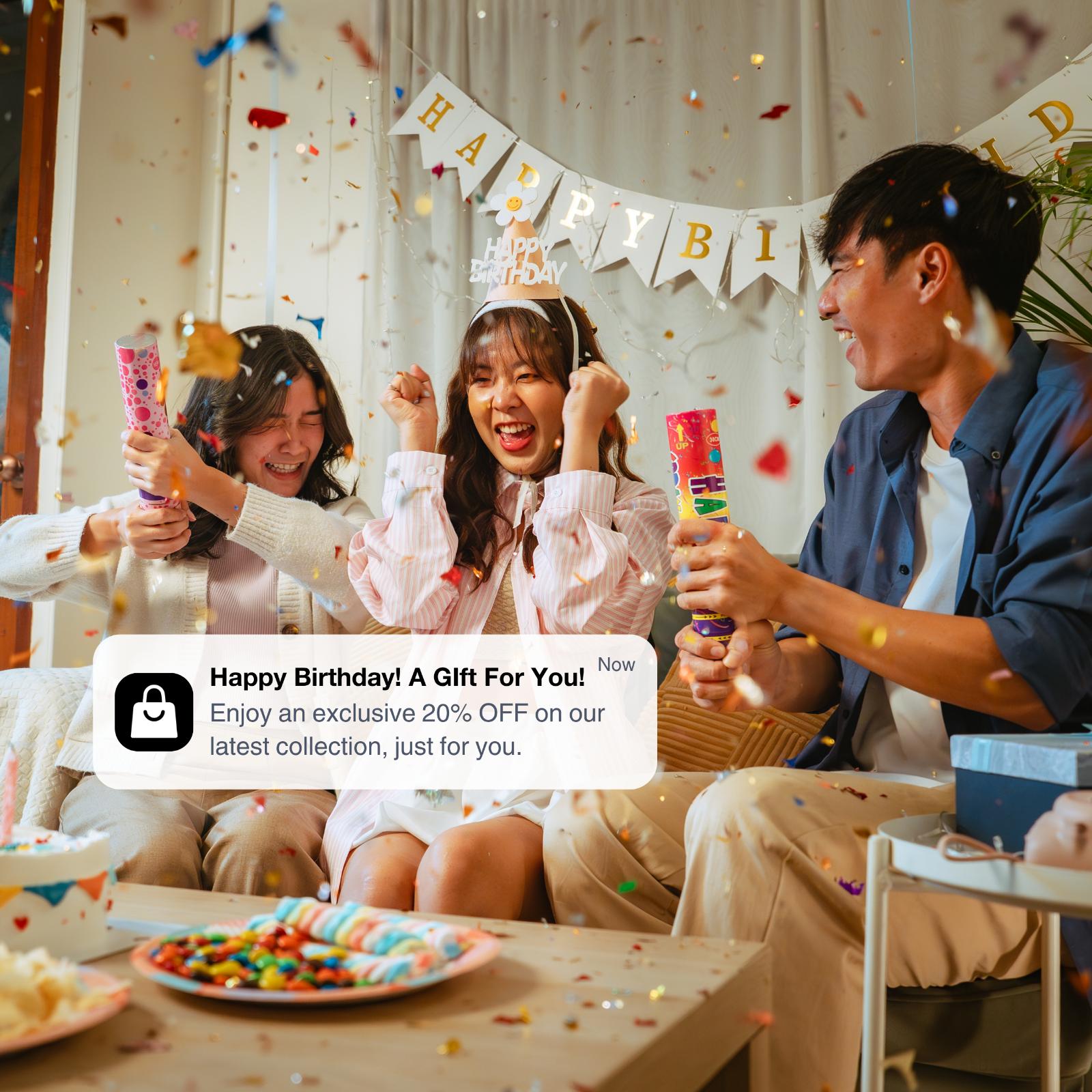 Loyalty
Show up for birthdays and reward milestones
Send thoughtful messages for birthday months, expiring points or vouchers, and membership events.
-
Win back
Reconnect when a customer has gone quiet
Use an inactive-customer engagement event or a selected audience to send a timely reminder.
Frequently asked questions
-
Which channels can I use for broadcasts?
It supports WhatsApp, Messenger, LINE, SMS, Email, and Shopping App, depending on your plan and channel setup.
-
Will customers receive the broadcast through every channel I select?
No. Broadcast Center sends through Shopping App plus one selected, available messaging channel. Delivery depends on your connected channels and the customer details available.
-
Can I broadcast through Telegram?
Yes. You can broadcast through Telegram when it is connected and available for the customer, depending on your plan and channel setup.
-
What can trigger an automated engagement message?
Automated messages can respond to events including new sign-ups, birthdays, first purchases, delivery or pickup follow-ups, expiring points and vouchers, abandoned carts, inactive customers, pending payments, and membership changes.
-
Can I personalise the messages?
Yes. You can use personalised fields such as the customer’s first name and edit content separately for Email and supported messaging channels.
-
How does EasyStore choose the engagement channel?
We use the first connected channel available for that customer according to the channel priority.
-
Do Broadcast and Engagement use EasyStore tokens?
Yes. Broadcasts, engagement messages, and notifications use tokens. Usage and included monthly allowances vary by channel and plan.
-
Is advanced customer segmentation available on every plan?
No. Segmentation depth varies by plan, and some advanced segmentation and RFM features require a higher-tier plan.