
Unified Inbox
Know the customer behind every chat
Bring WhatsApp, Messenger, Instagram, and online-store Live Chat into one inbox. See the customer behind each message, and help your team respond with the right context.
Try EasyStore Ngobrol dengan Kami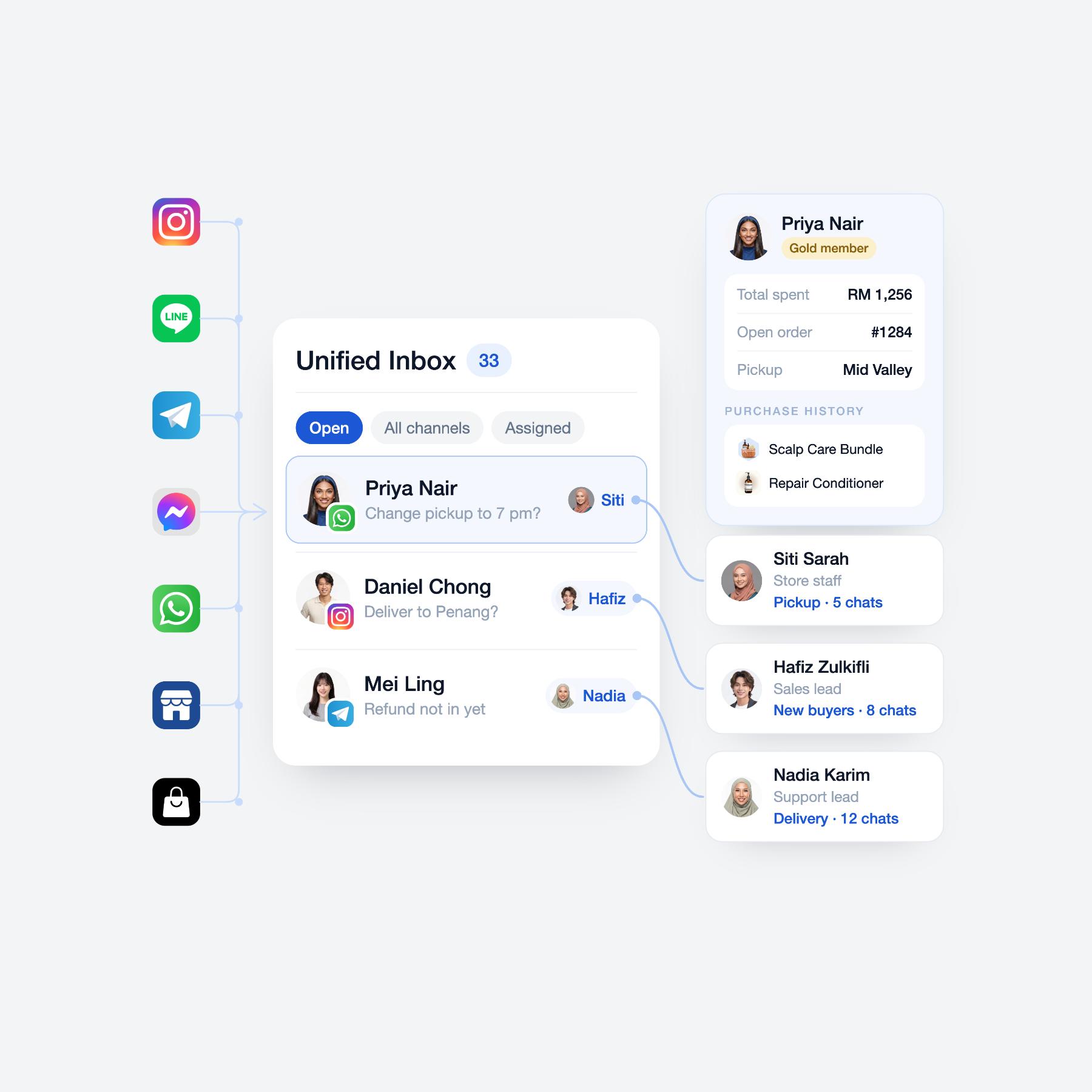
Give your team the context to handle every conversation well
Without a connected customer inbox
- Messages are checked separately across social and store channels
- Staff reply without seeing the customer’s order or purchase context
- Teammates cannot quickly tell who is already handling a conversation
- Product recommendations and follow-ups require switching between tools
With EasyStore Unified Inbox
- Manage connected customer conversations from one inbox
- See customer profiles, pending orders, and history beside the chat
- Assign conversations and keep team handovers visible
- Share relevant products, orders, or vouchers in supported store chats
How EasyStore Unified Inbox helps
-
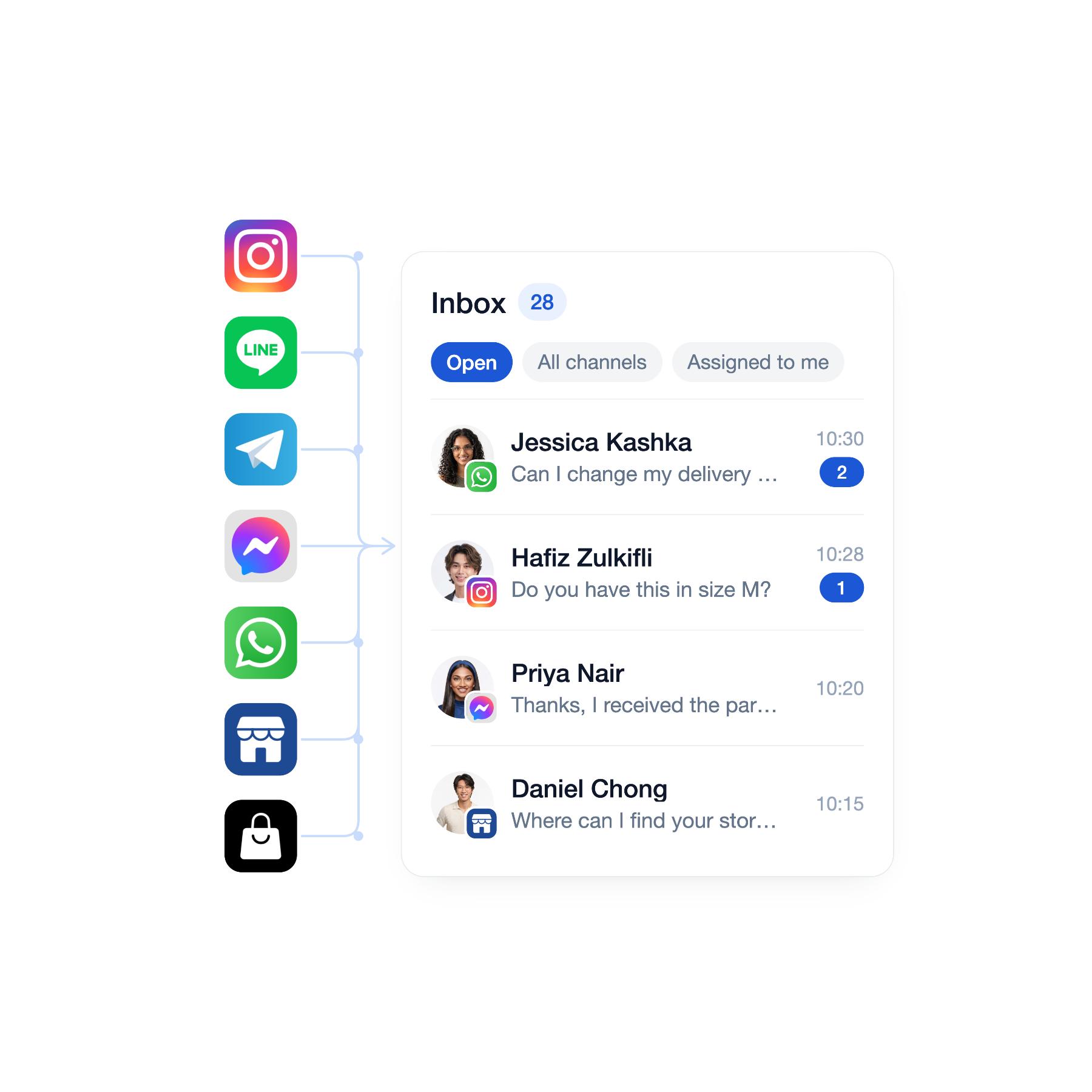
Bring customer conversations into one inbox
Connect WhatsApp, Messenger, Instagram, and online-store Live Chat so your team can view and reply to customer messages without changing channel or platform.
- Connected channel conversations
- Start eligible customer conversations from the inbox
- Status, channel, and assignee filters
-
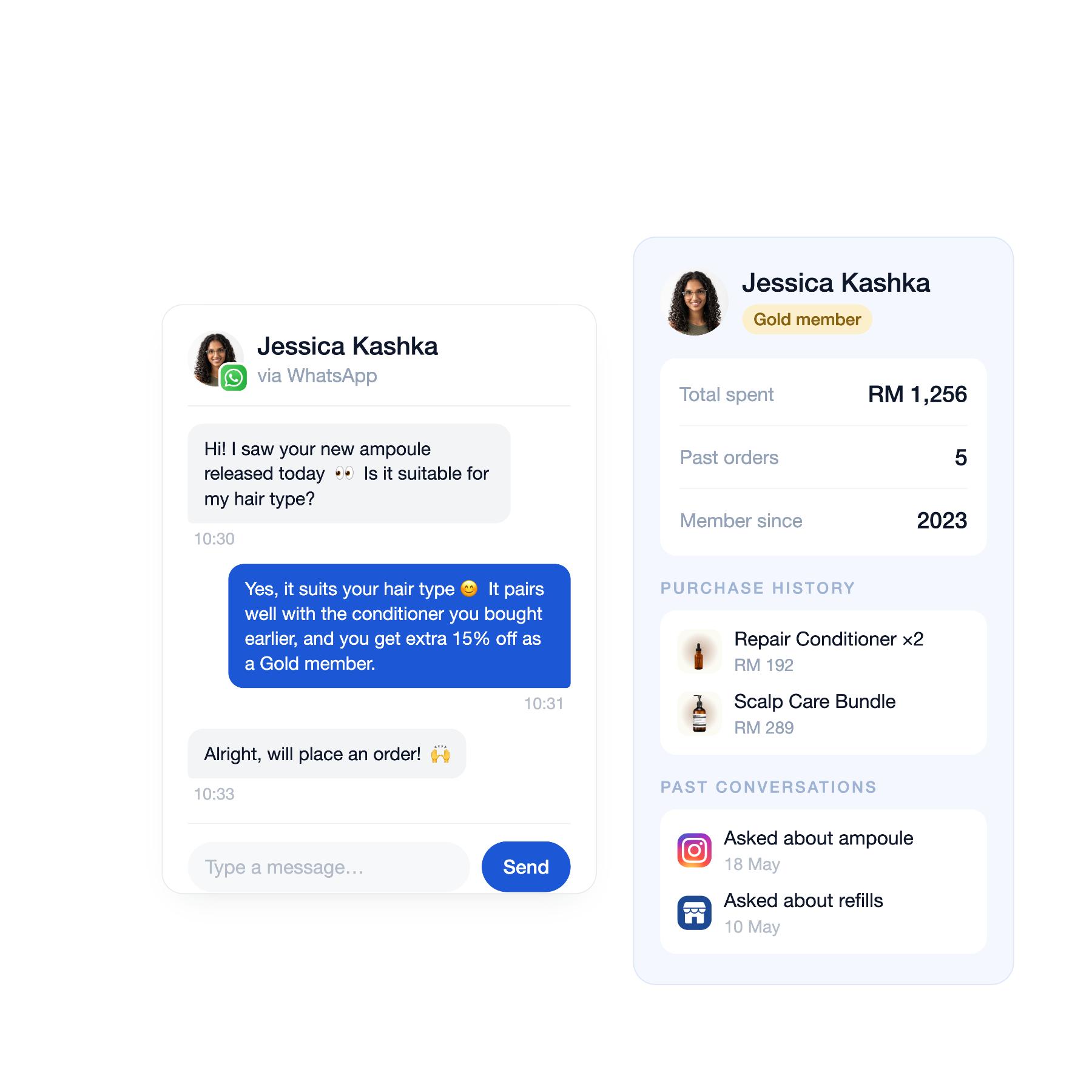
Understand the customer before you reply
See the customer’s profile, pending orders, purchase history, and previous conversation context beside the chat, so replies can reflect what they already know.
- Customer profile and membership details
- Pending order context
- Purchase and conversation history
-
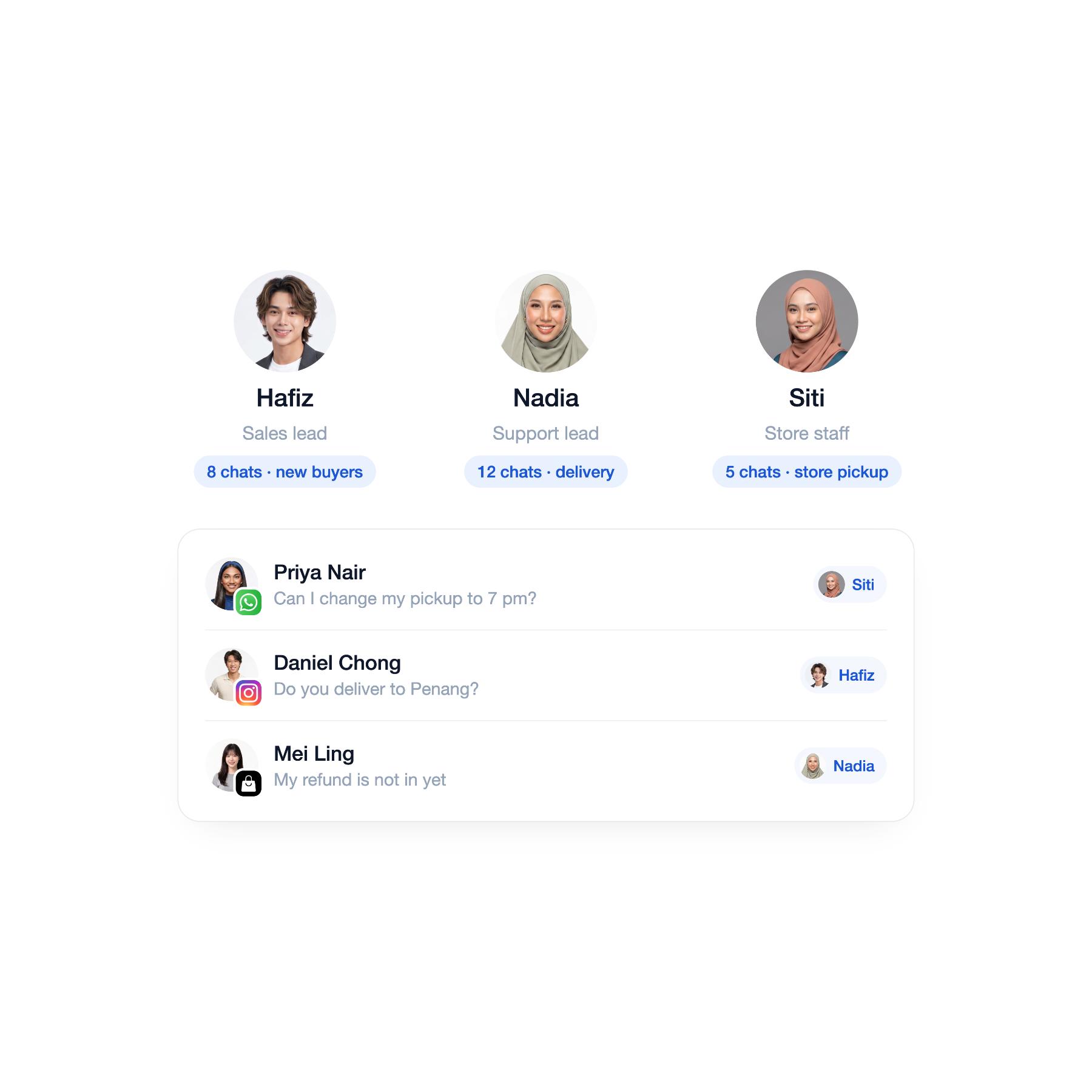
Give every conversation a clear owner
Assign a conversation to the right staff member, leave internal notes, and reassign when needed so nothing is missed and no customer is answered twice.
- Staff chat assignment and sound notifications
- Assignment and reassignment permissions
- Private internal notes
Handle every customer conversation with more context
-
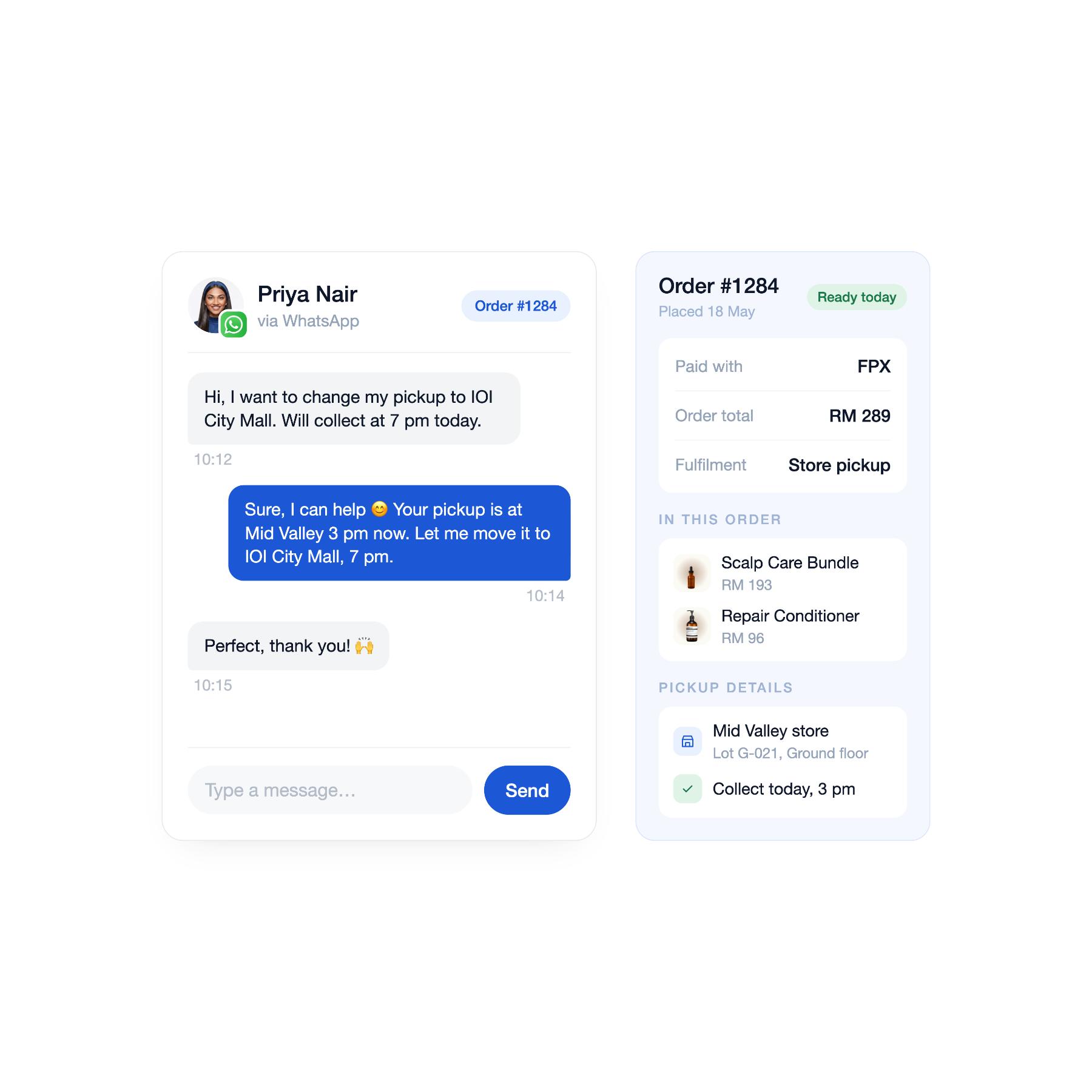 Order follow-up
Answer order questions with the relevant history in view
Review the customer’s profile and order context beside the chat before replying to a delivery, payment, exchange, or collection question.
-
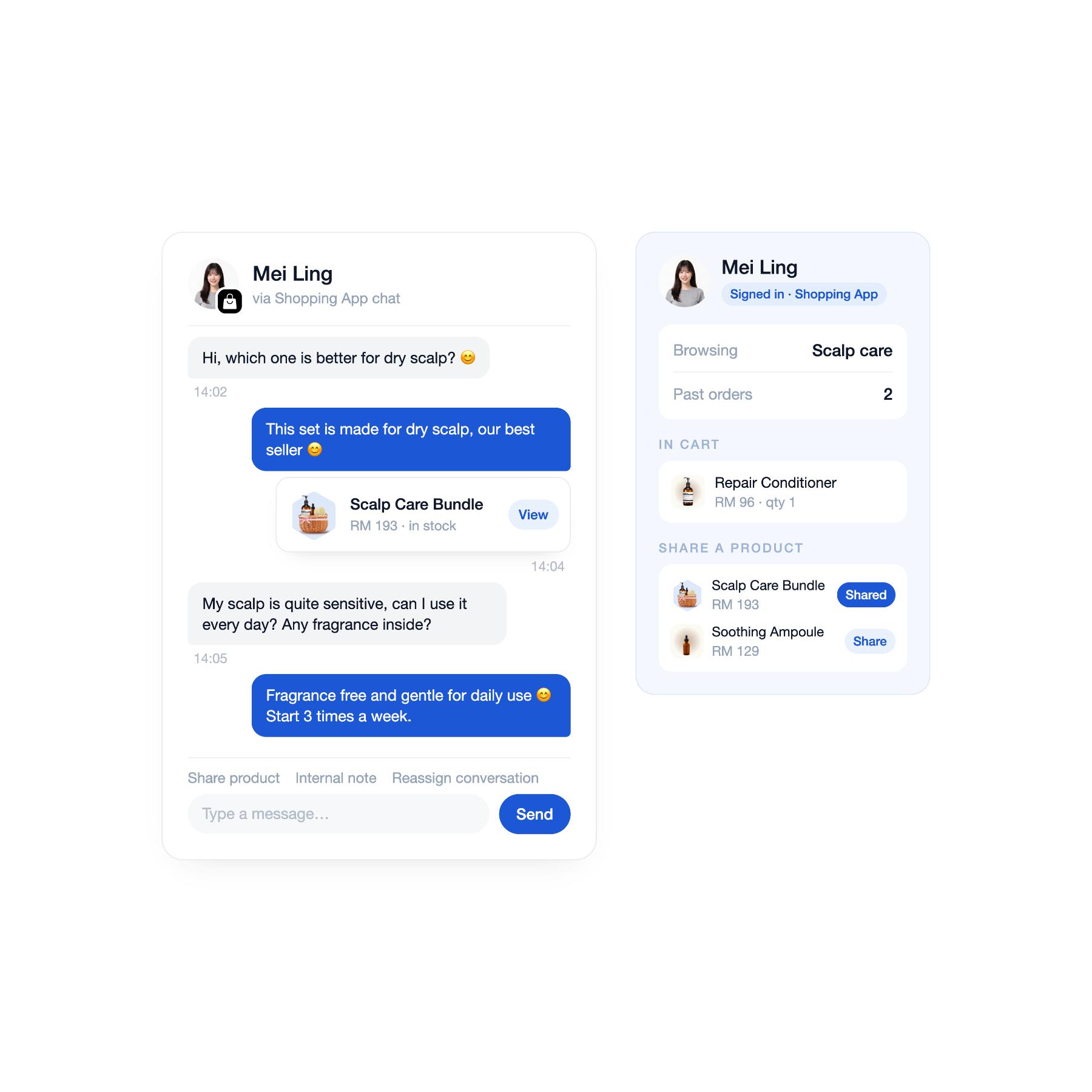 Product guidance
Help customers find the right product while they are deciding
Understand who is asking and share a relevant product directly in supported Online Store or Shopping App chats.
-
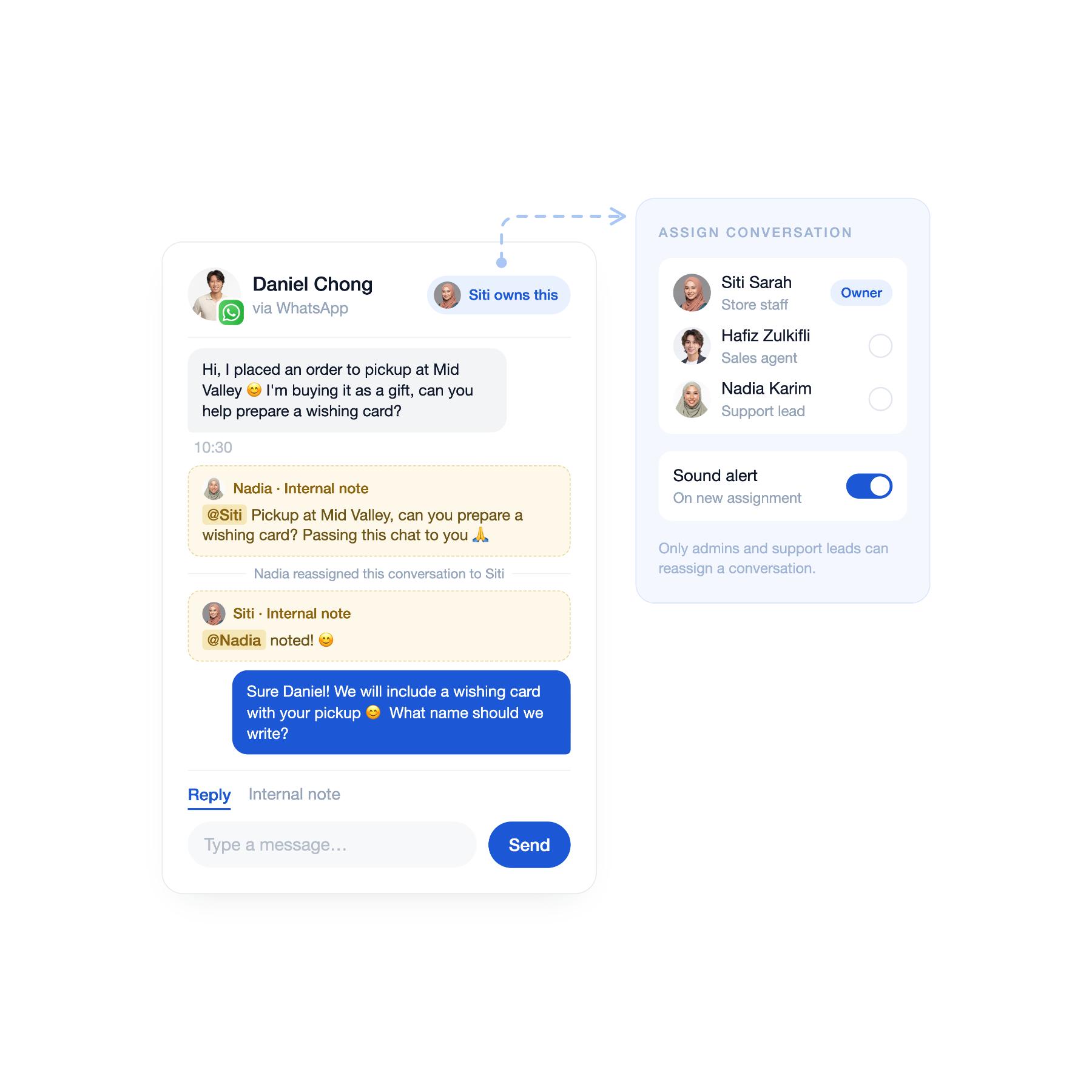 Team handover
Move a conversation to the right person without losing context
Assign the chat to a teammate and leave a private internal note so the next person can continue from what has already happened.
-
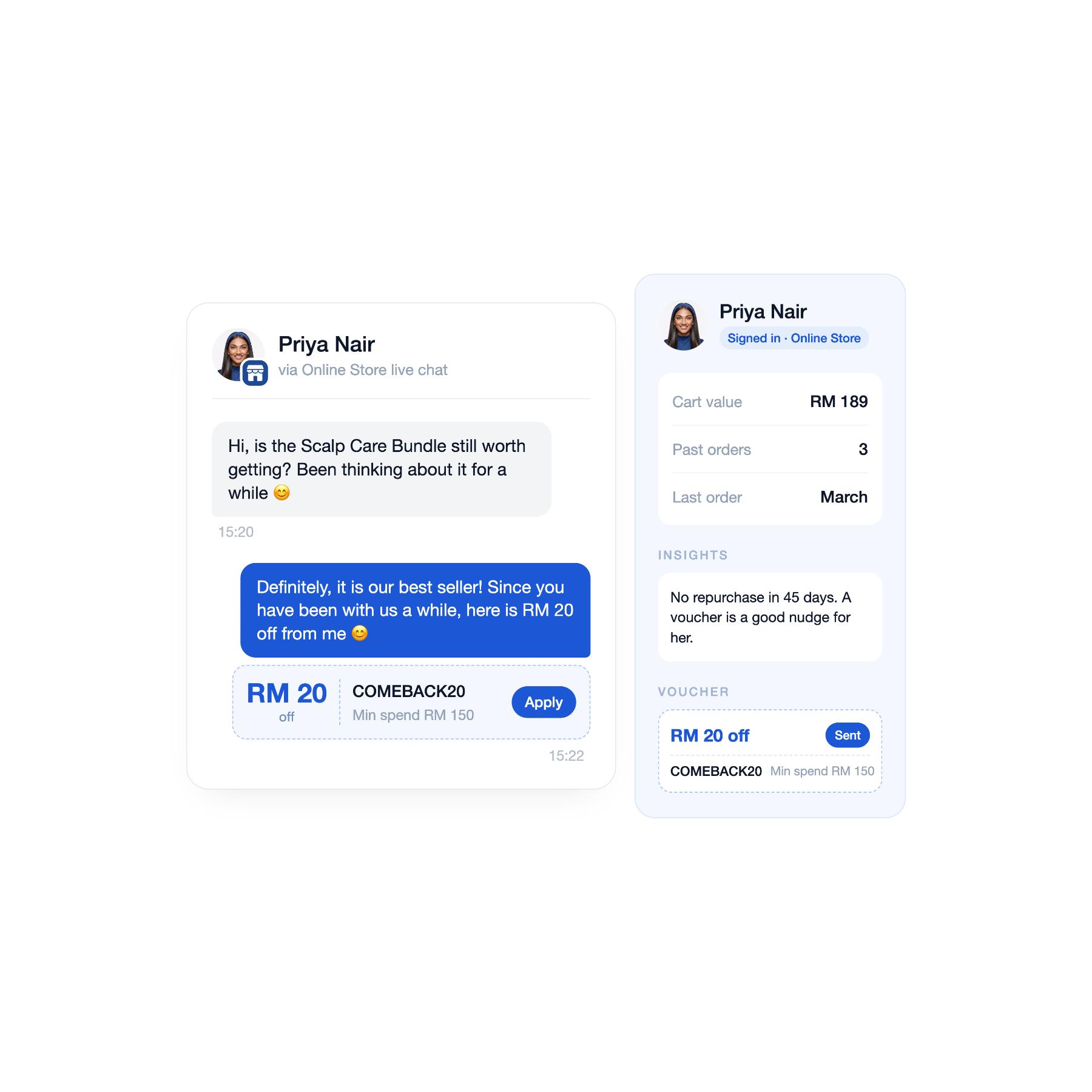 Voucher assistance
Give eligible customers a reason to complete their purchase
Share a relevant voucher from a supported Online Store or Shopping App chat, with customer and product context still visible to the team.
Frequently asked questions
-
Which messaging channels can I connect to Unified Inbox?
It supports WhatsApp, Messenger, Instagram, LINE, Telegram, Online Store chat, and Shopping App chat, depending on your plan and channel setup.
-
Can my team see customer details while replying?
Yes. The customer information panel shows the linked customer’s profile, membership details, purchase history, and available order context beside the conversation.
-
What if a conversation is not linked to the right customer?
Staff can manually link the conversation to a customer profile, after which the available customer details and history can be viewed beside the chat.
-
Can conversations be assigned to a staff member?
Yes. A conversation can be assigned from the chat header. The assignee is also shown in the conversation list, and permissions can control whether a staff member can assign or reassign other people’s conversations.
-
Can teammates leave notes without the customer seeing them?
Yes. Internal notes are private to you and your staff. Each note shows who wrote it and updates in real time for teammates viewing the conversation.
-
Can staff start a conversation from Unified Inbox?
Yes, for customers who are reachable through Messenger, Instagram, WhatsApp, or Live Chat. Messenger and Instagram availability follows each platform’s messaging-window rules, and an existing conversation is reopened instead of creating a duplicate thread.
-
Can I send products and vouchers in every channel?
No. Files, products, orders, and vouchers can be sent from Online Store and Shopping App chats, but these actions are not available across every connected social channel.
-
How does the team make sure a message is not forgotten?
Each admin user can set browser and sound notifications. Teams can also assign conversations, filter by status, channel, or assignee, save frequently used filters, and mark a read conversation as unread when it still needs attention.
-
Is Unified Inbox available on every EasyStore plan?
No. Unified Inbox is available on the Business plan and above.